
Catalogs may be a great tool for anybody who wishes to arrange material in an attractive and structured manner. Do you want to create amazing and well-organized directory themes? Today you will find out more about the procedure of creating aesthetically appealing and user-friendly WP catalogs. Believe us, they will make an unforgettable impression on those who view them!
1. Choose an appropriate theme.

Opt for the best theme for your product. After this, create a design and functionality for WordPress that will fit the catalog functionality.
2. Start creating a catalog.
Consider a variety of plugins that allow you to construct catalogs. These include WooCommerce (with cart features disabled), WP Catalogue, Easy Digital Downloads, or others that suit your needs.
3. Design a web catalog format.

We recommend using clear and intuitive navigation. Place product categories on the main page of the WP catalog or in the menu.
4. Do not forget about custom posts and post types.
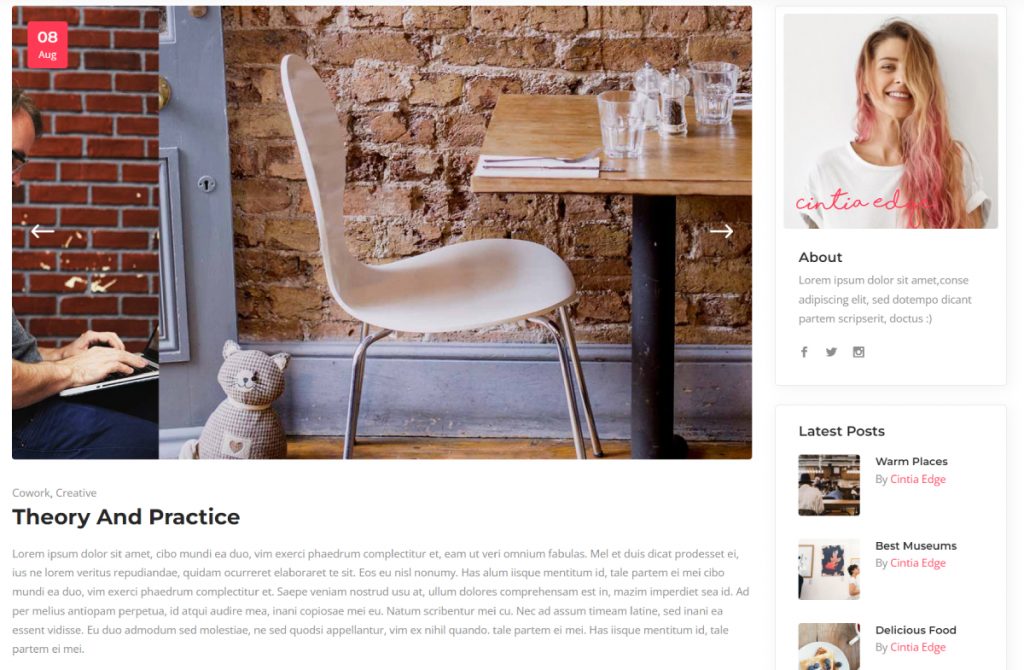
Add the ability to create a custom post type for products in WordPress. It will allow you to manage multiple aspects better and display your products.
5. Pay attention to a single product page.

Highlight the most important details included on the product page. For example, these are titles, descriptions, images, specifications, certifications, and other relevant data.
6. Add detailed information.
For more details, add a Request a Quote/Get a Quote button or a link that encourages users to request a quote. Create your own contact form or use form plugins such as Contact Form 7 or WPForms. Connect this form to a button or link to receive more requests. This button can lead to a special page or contact form.
7. Make sure to add a contact form.

The form fields need to include the required information such as name, email, phone number, and message.
8. Take care of SEO.
Pay attention to the importance of optimization for search engines. Provide meta tags, descriptions, alt text for images, and other aspects.
9. Mobile responsiveness is also crucial.
Make sure your theme or product pages work well on different devices and screen sizes.
10. Allow users to share feedback.
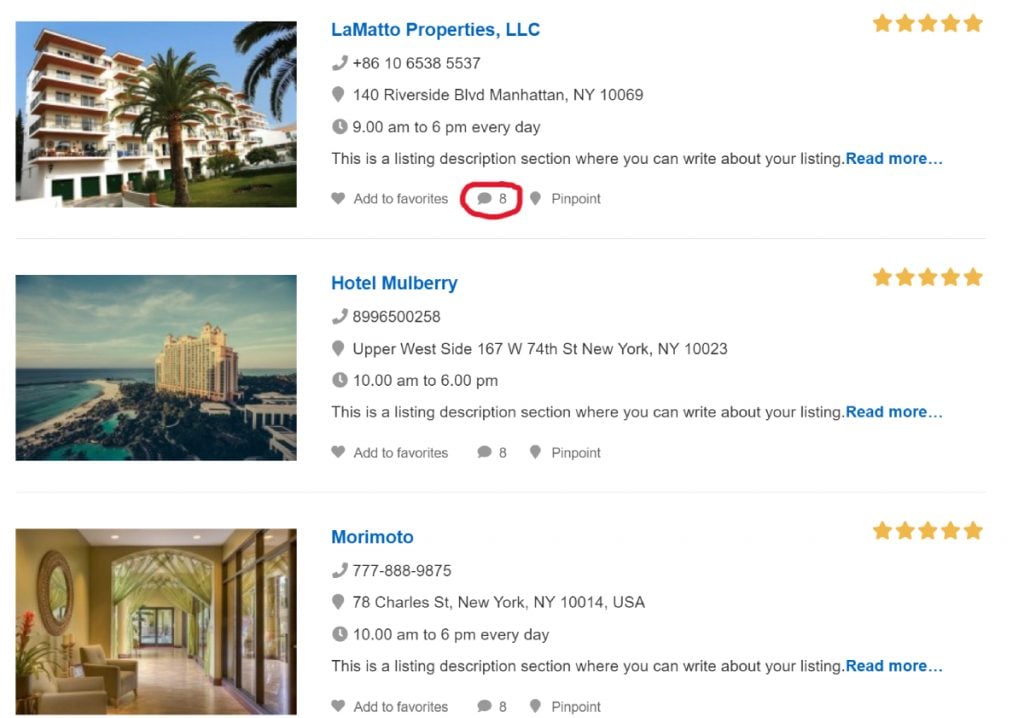
Provide an opportunity to share feedback for users who have questions about products or the ordering process.
Catalogs are more than merely a collection of products. They allow people to express their inventiveness, originality, and dedication. Thanks to you, they can manage their material and improve the user experience. Just follow our tips to build the best directory and catalog WordPress themes. Thanks for reading!